
Cutting software, not another calculator tab
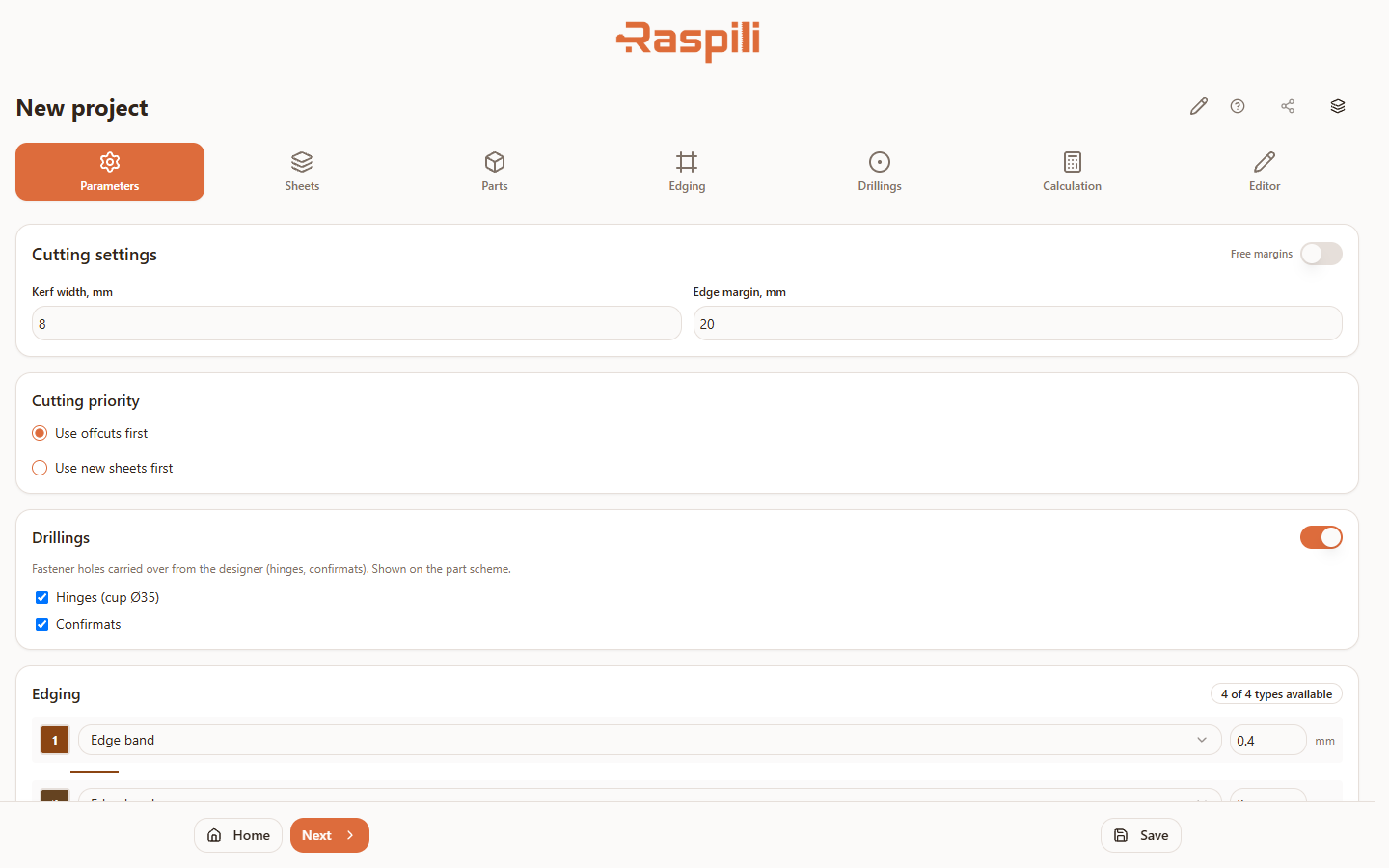
A full project with sheets, parts and a cutting map — saved, editable, and reopened later, the way any real cutting software works.
- Runs in the browser — nothing to install or update
- The same project on desktop, tablet and phone
- Sheets, parts, edges and drillings are saved in the project
- Import from a ready project or the 3D constructor
- Send a link instead of a file
- A colleague opens the same project and copies it
Accounts for the same things as desktop cutting software
Saw kerf, edge margin, several sheet types and thicknesses, offcuts from stock, edge banding per side, drilling marks. The same logic covers particleboard, MDF and plywood — one algorithm for every sheet material.
More about sheet cuttingThree modes in one cutting software
Pick the algorithm for the job: a fast result, offcut savings, or maximum sheet utilization.
Fast result
Saves material
Maximum sheet utilization
Flexible sheet edges tuned to your machine.
PDF — cutting map for the shop floor
Excel — specification with edge banding footage
DXF — for CNC and CAD
One link — a colleague sees the project and copies it.
Frequently asked questions about cutting software
What people usually ask before choosing cutting software.
How is this different from doing cutting layouts in Excel?
Excel won't arrange parts on a sheet or track offcuts for you — that's manual work. Raspili lays the parts out automatically and shows the finished cutting map with the leftover offcut. A full guide to reading a cutting map is in the instructions.
Do I need to install anything?
No. Raspili runs entirely in the browser — nothing to download or update.
Is there a free plan?
Yes, the free plan covers sheet and offcut layout — try a first project without paying.
Does it work for particleboard, MDF and plywood?
Yes. The cutting algorithm isn't tied to one material — particleboard, MDF, plywood and other sheet materials from the reference catalog all work the same way.
Can I use it on a phone or a Mac?
Yes. Raspili works in the browser on Windows, Mac and Linux, and on phones and tablets — no separate app per device.
Ready to try it?
Nothing to install or update — open the cutting software in your browser and lay out your first project.
Open the software for free