
Furniture design software, free — from sketch to cutting
Build a wardrobe or kitchen carcass, arrange furniture around the room, get a cutting map with edge banding and fittings — one project, nothing to install.
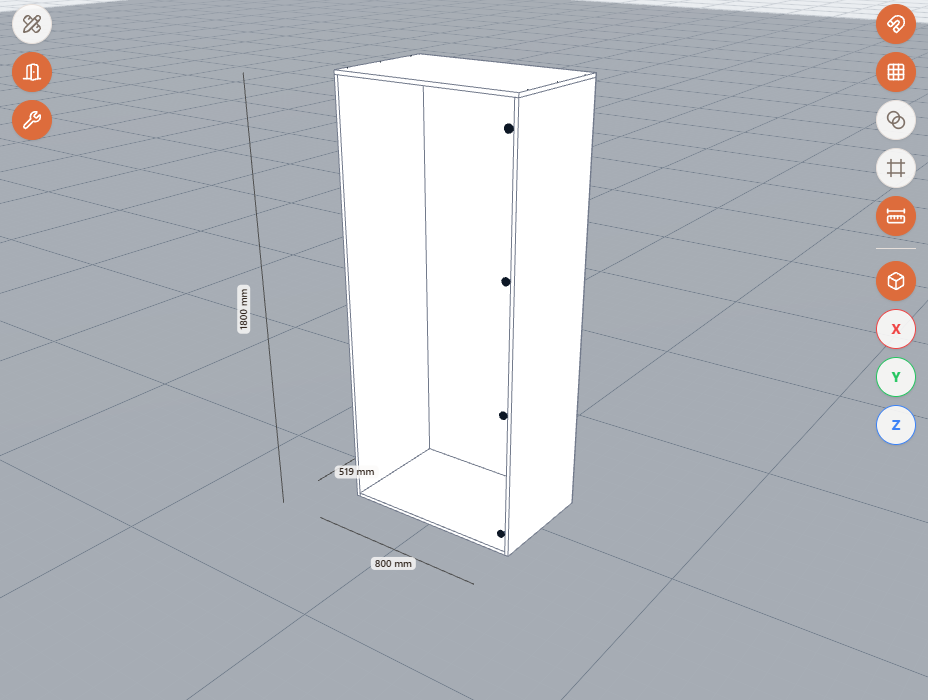
Furniture creation software — from carcass to kitchen
Build a carcass with one click, set up kitchen or wardrobe sections, add facades with handles. Particleboard material and color come from the catalog, not guesswork.
- Carcass in one click
- Ready-made kitchen sections
- Library of elements and hardware
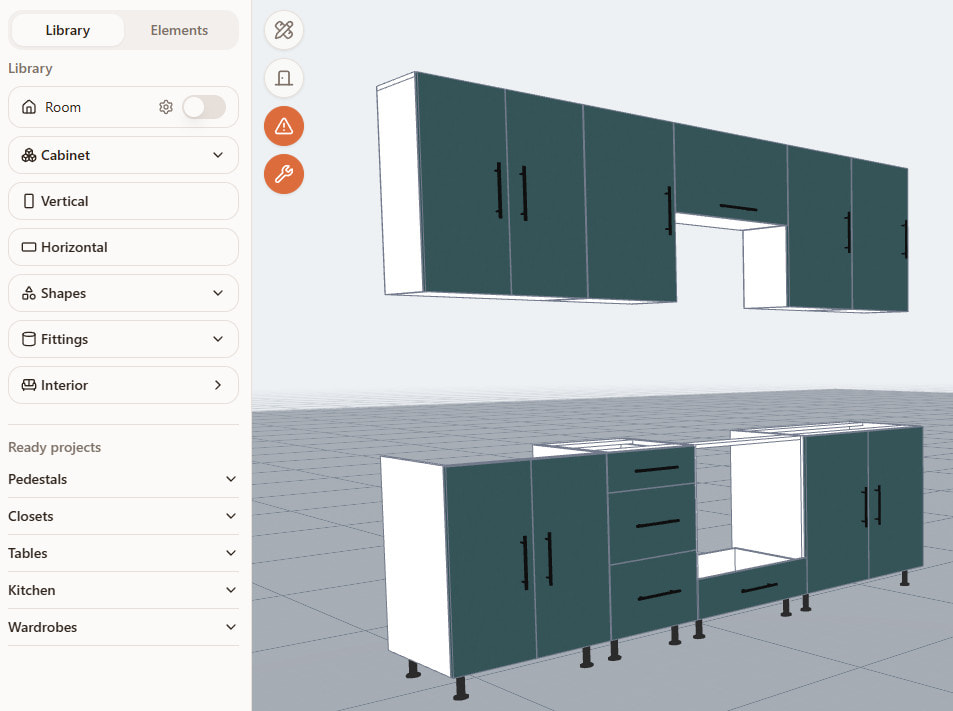
Free furniture design software, nothing to install
Runs in the browser on a computer or phone, sign-up is free, no need for a heavy CAD or SketchUp. On mobile it can be added as a PWA.
Furniture construction software and cutting
Simple furniture software that opens with a link, nothing to install. It runs in the browser on desktop and mobile — not desktop furniture creation software, but a web service.
Cabinet furniture design software: wardrobes and kitchens
Edge banding, drillings and fittings are calculated automatically — no manual counting of meters or fittings. Up to 4 edge types per project, side labels marked D1/D2/W1/W2.
- Particleboard material and color from the catalog
- Automatic edge banding and drilling calculation
- Fittings and gap calculation
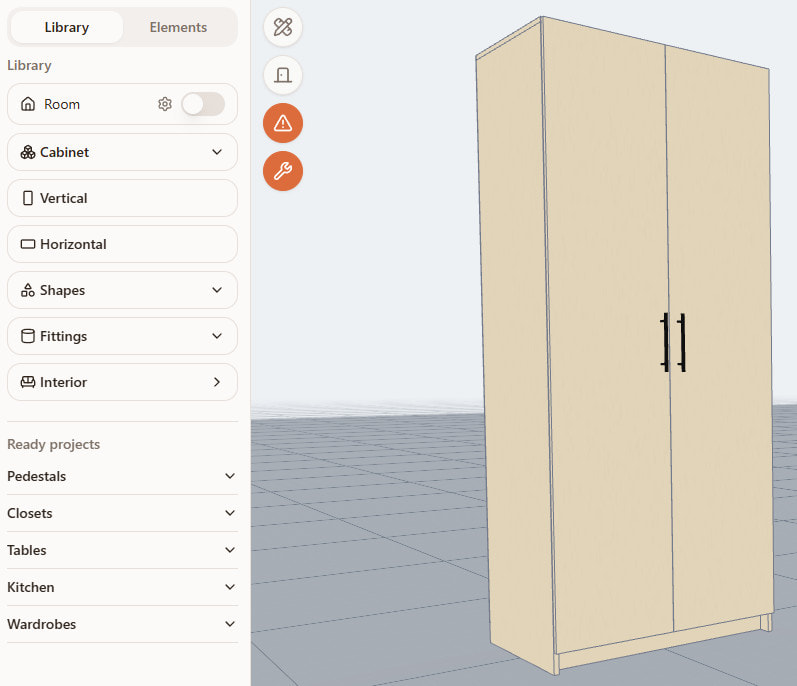
From project to workshop
The "Cut it" button sends the finished furniture to cutting — PDF, Excel and DXF come out for the shop floor. AI rendering shows what the finished project will look like before you cut a single panel.
Frequently asked questions
Which is better for designing furniture — online or desktop software?
Desktop CAD gives you more manual control but needs installing and learning. Online software like Raspili opens with a link and covers the common cases — carcass, kitchen, cutting — without installing anything.
How do I choose furniture design software?
Check three things: is there a free start, do you need to install anything, and does it take the project all the way to a cutting map — or stop at a picture.
Is this furniture design software or just a calculator?
Both: picking colors and facades is design, while edge banding, fittings and cutting are calculation. Raspili covers both steps in one project.
Is it suitable for designing furniture for a home?
Yes, that's the main use case: build a wardrobe, kitchen or cabinet for your own apartment and get a cutting map for ordering the cut parts.
Do I need experience to use it?
No. The carcass is built in one click, materials and edges are picked from a catalog — no drafting skills required.
Can I set custom dimensions?
Yes, every dimension is entered in millimeters by hand — the carcass, sections and shelves are calculated for your exact measurements, not picked from fixed templates.
Does it work for professional furniture makers, or only hobbyists?
Yes. Edge banding, drilling and fitting calculations plus PDF, Excel and DXF export are a production-grade feature set, not just a hobby tool.
Is the free plan or the paid plan better?
Depends on the job. Raspili's free start covers the whole path from project to cutting; the paid plan adds volume — more AI renders and render storage, for example.
Design your furniture right now
Free to start, in the browser, on your phone and computer.
From sketch to a cutting map, in one project.