
Online furniture designer, free
Design wardrobes, kitchens and cabinets right in your browser — get a cutting map, edge-band accounting, PDF, Excel and DXF for the workshop. No software to install.
Download the app RuStore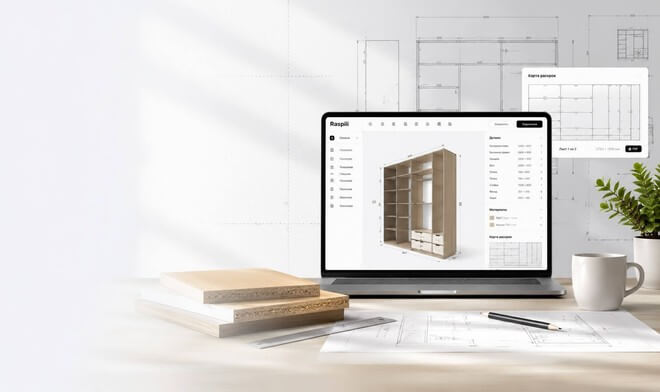
From idea to a finished cutting map — all in one service
Designing, cutting and assembling furniture yourself cuts costs significantly compared to buying ready-made or custom furniture.
Online 3D interior design
From layout to a finished interior, all in one service. Build rooms in 3D, arrange furniture and share projects with a link.
More about the plannerDesigner for kitchens, wardrobes and any furniture
Create furniture you can build and assemble yourself. Design any furniture in 3D with automatic edge-band and hardware calculation, and get material estimates and cutting maps.
More about the 3D constructorOnline cutting designer
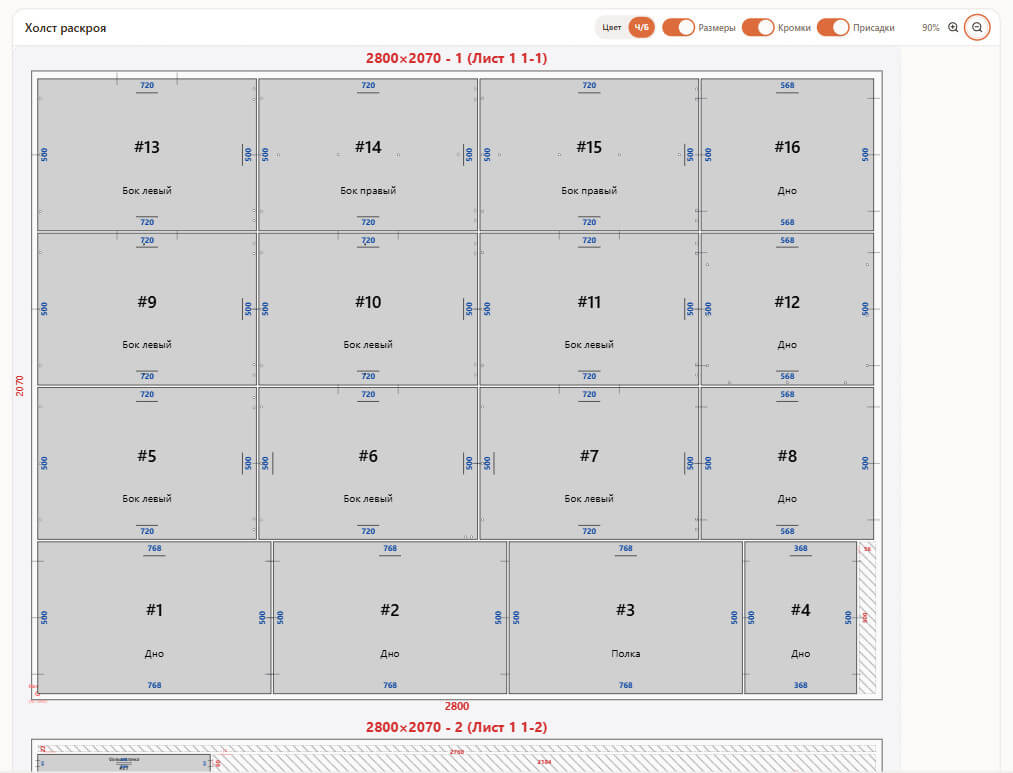
Get optimal cutting maps for particleboard and other sheet materials in a few clicks. Accounts for saw kerf, offcuts, edge banding, drillings and grooves.
More about cuttingPhotorealistic AI render of your furniture
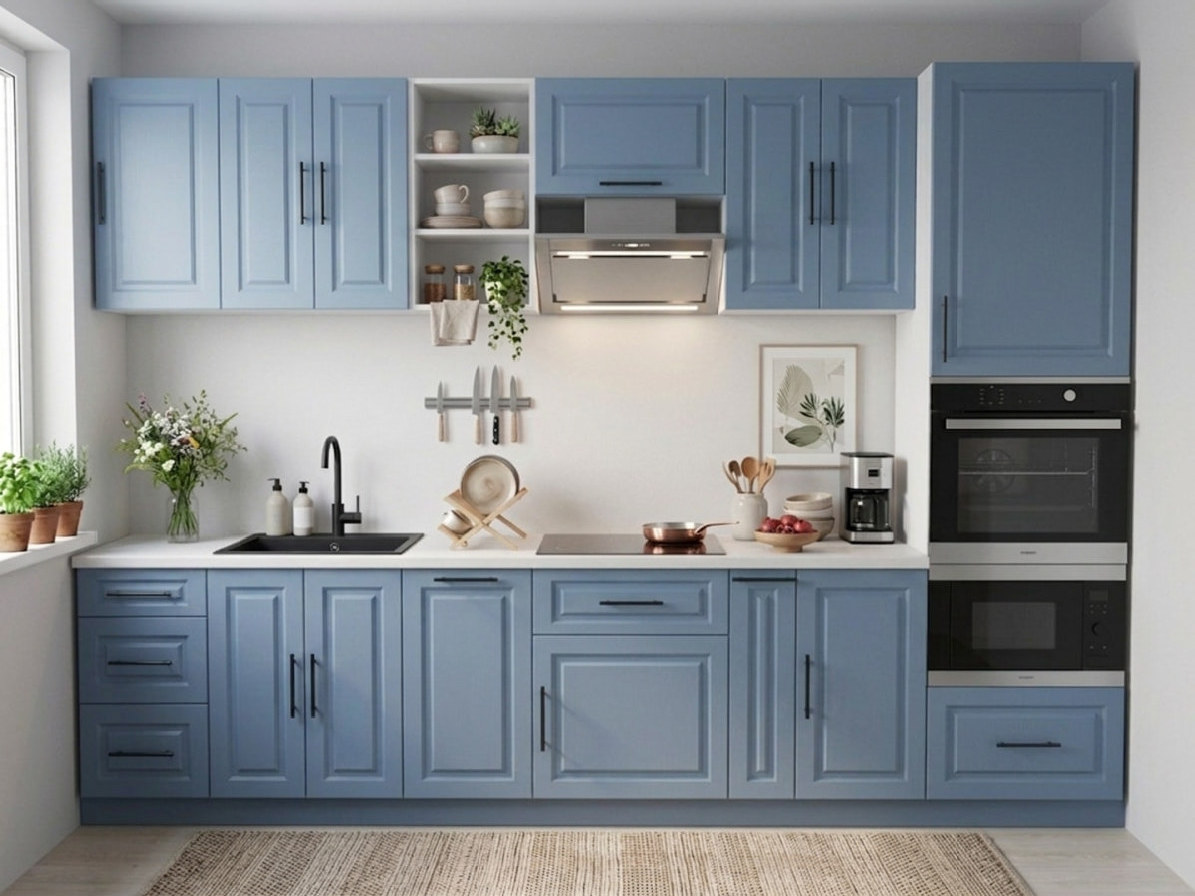
Build a kitchen or a wardrobe in the 3D designer — and get a photo of that exact furniture: same structure, same body and facade colors, same appliances in their places.
- Not a generic picture — your own design
- A catalogue shot or an interior — pick the scene
- A finished photo in 15 seconds, two generations free
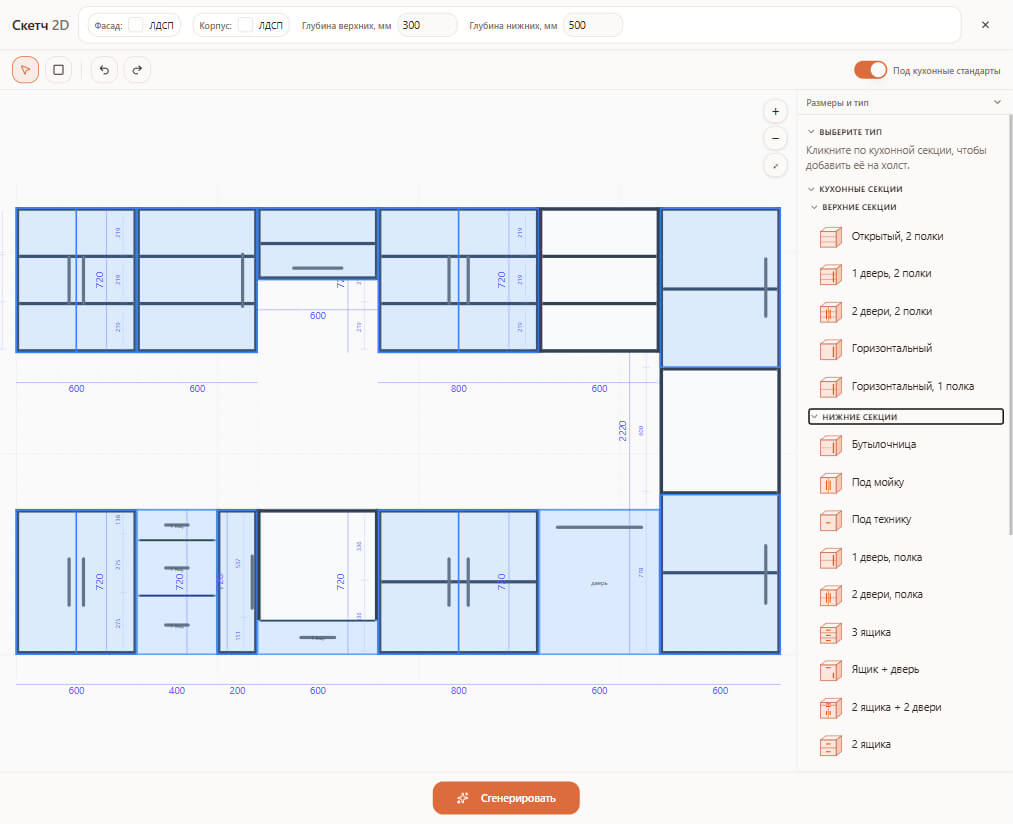
Draw furniture from scratch or build it from ready-made modules
Kitchens, wardrobes, cabinets and walk-in closets come together in minutes. Sketch lets you rough out a plan right at the measurement and send it to the designer.
- Ready-made modules for a quick start
- Precise sizes in millimeters
- One-click handoff to 3D and cutting
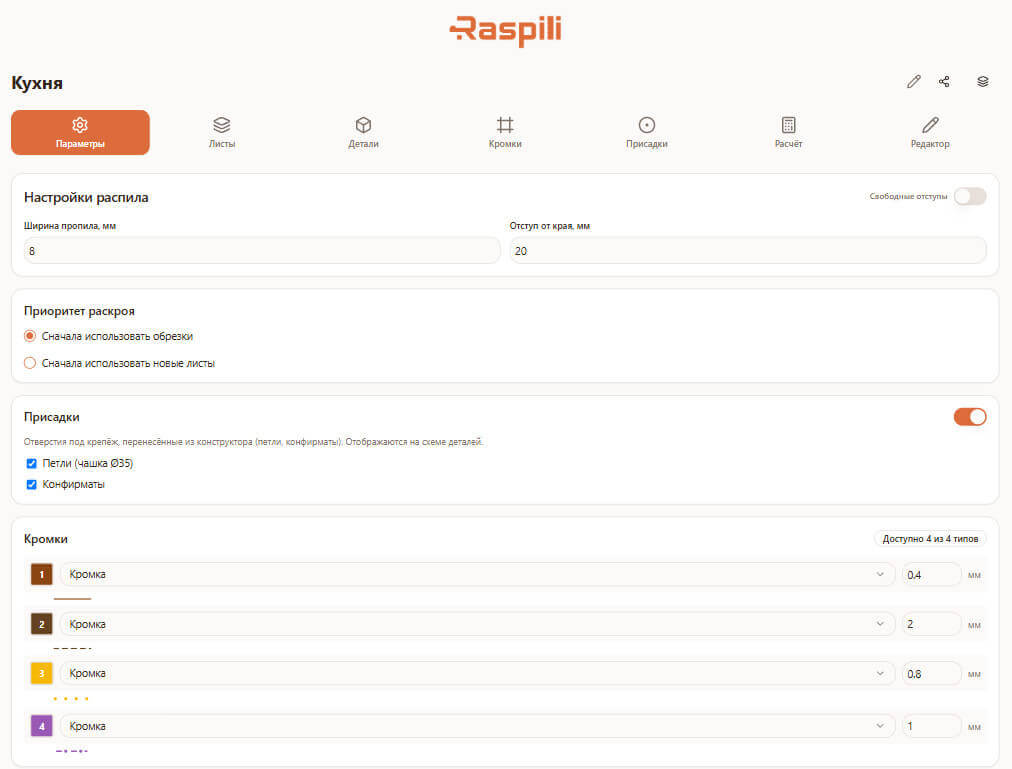
Optimal cutting maps in a few clicks
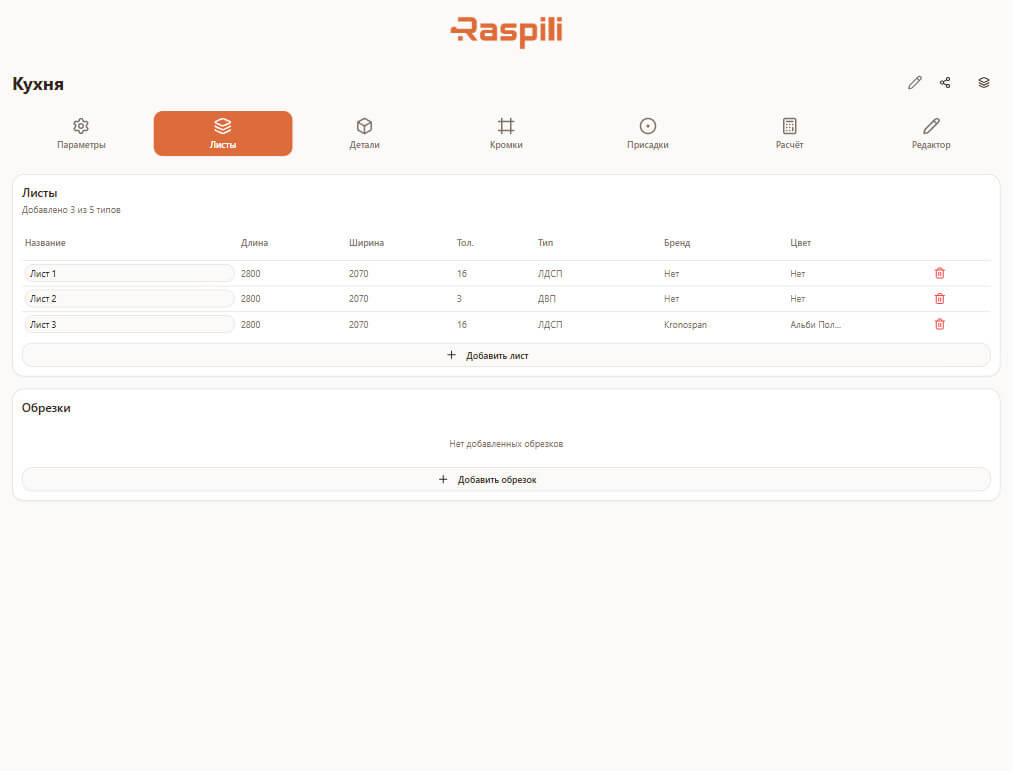
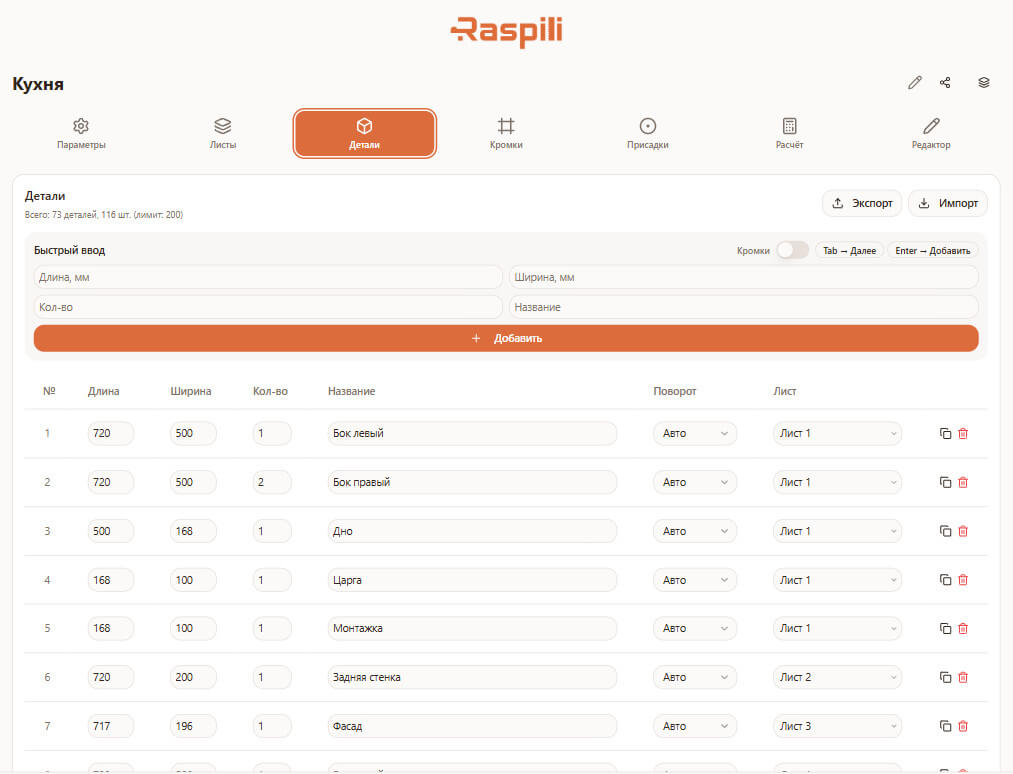
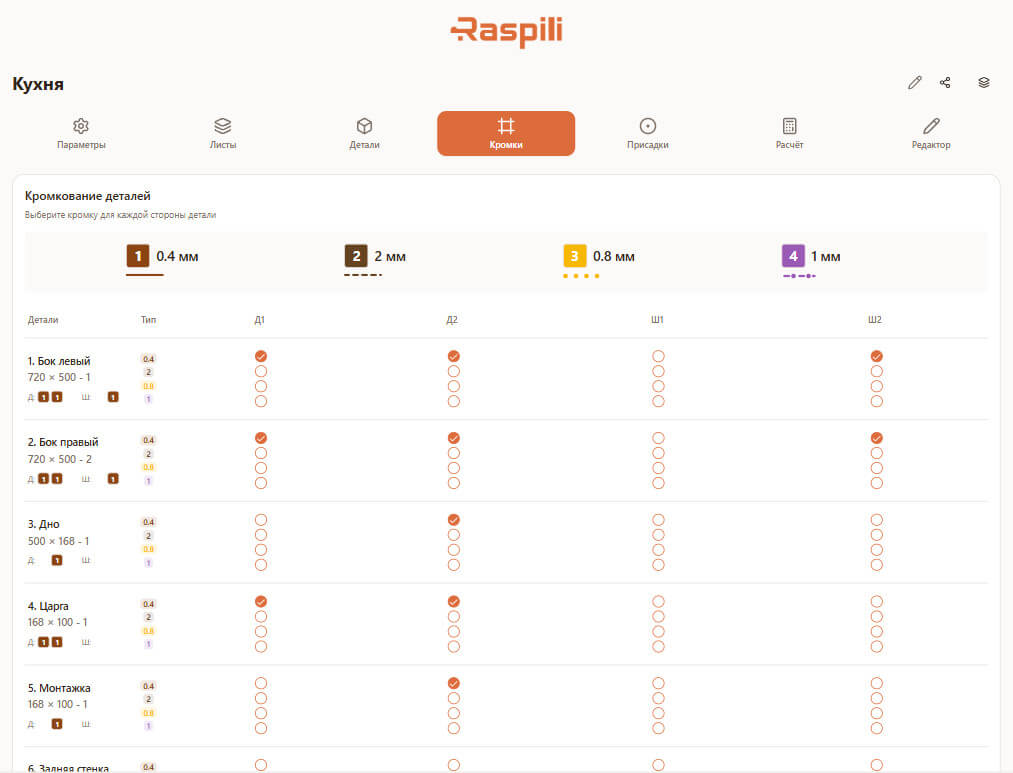
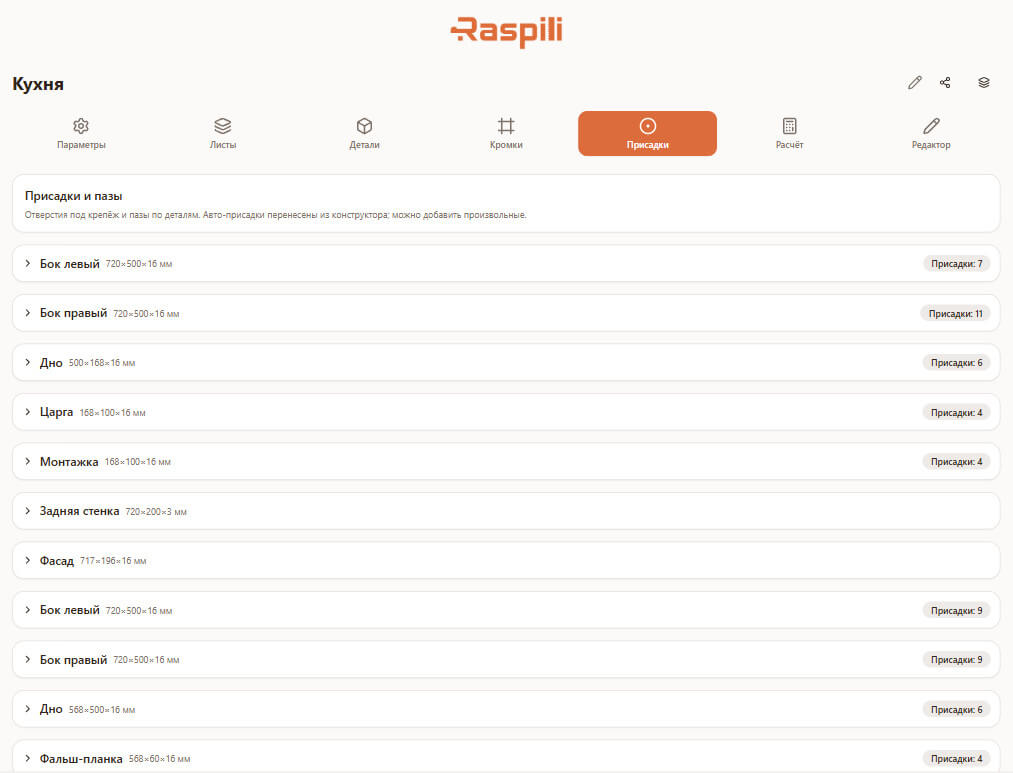
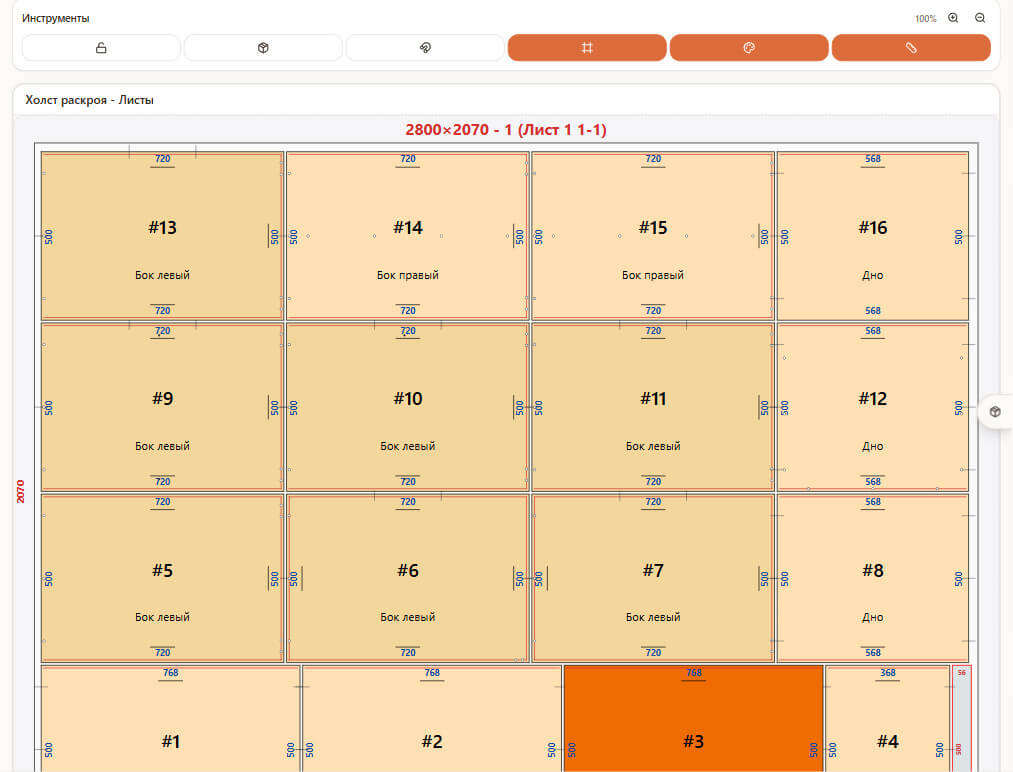
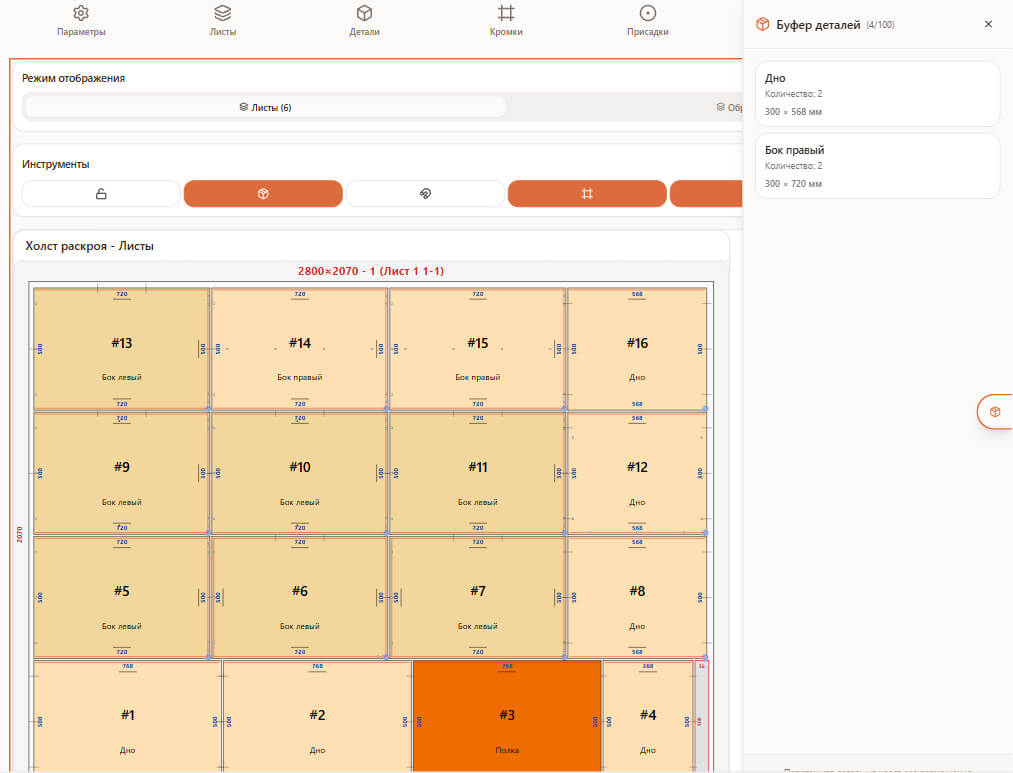
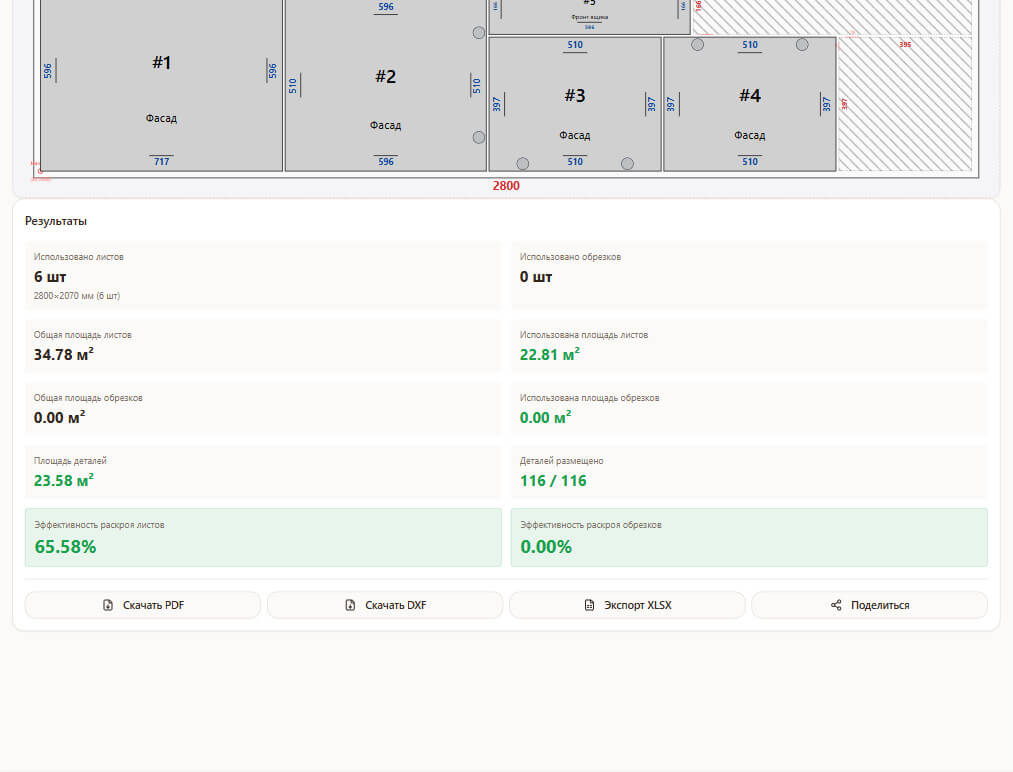
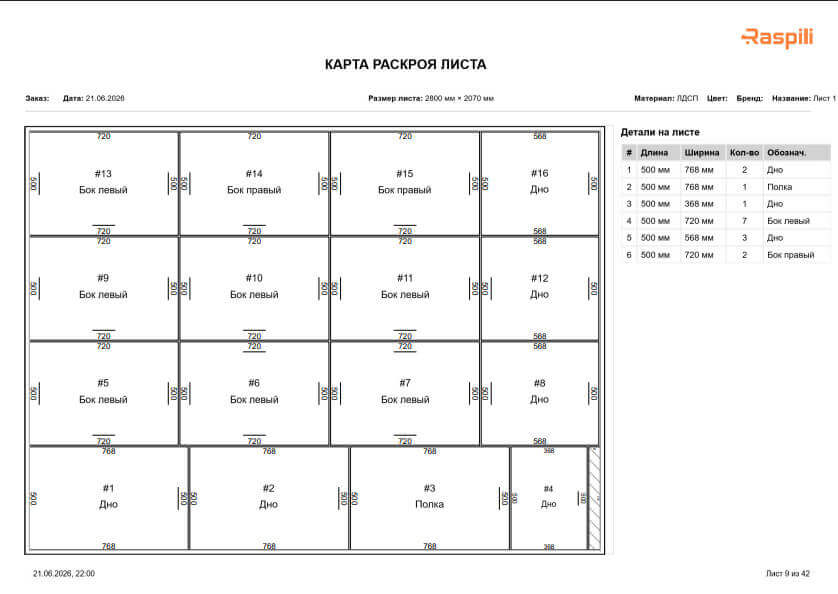
Accounts for saw kerf, offcuts, edge banding, drillings and grooves. Use two cutting modes and a convenient parts editor for full control over the result.
- Cutting by length and by width, part rotation — by length, by width, auto
- Accounts for saw kerf and offcuts
- Edge banding, drillings and grooves
- No need to buy separate software
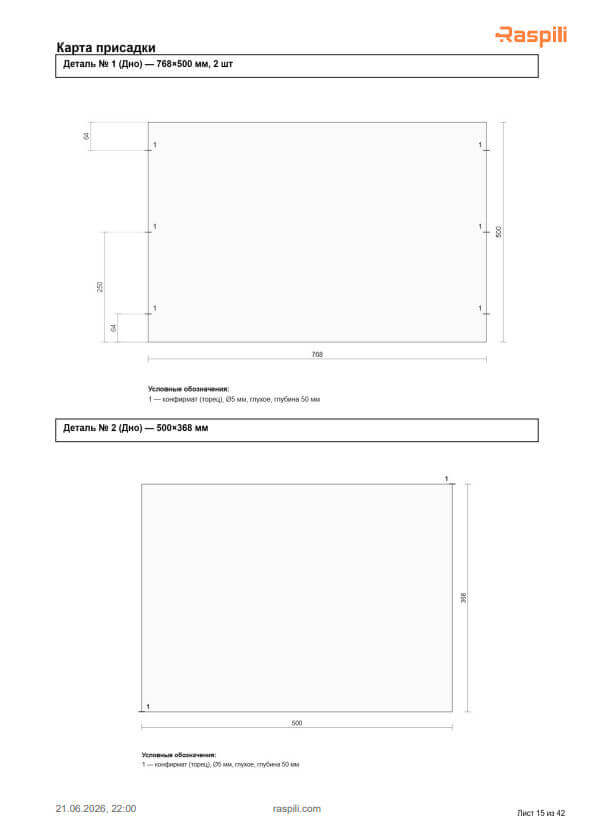
PDF, Excel and DXF for the workshop and the client
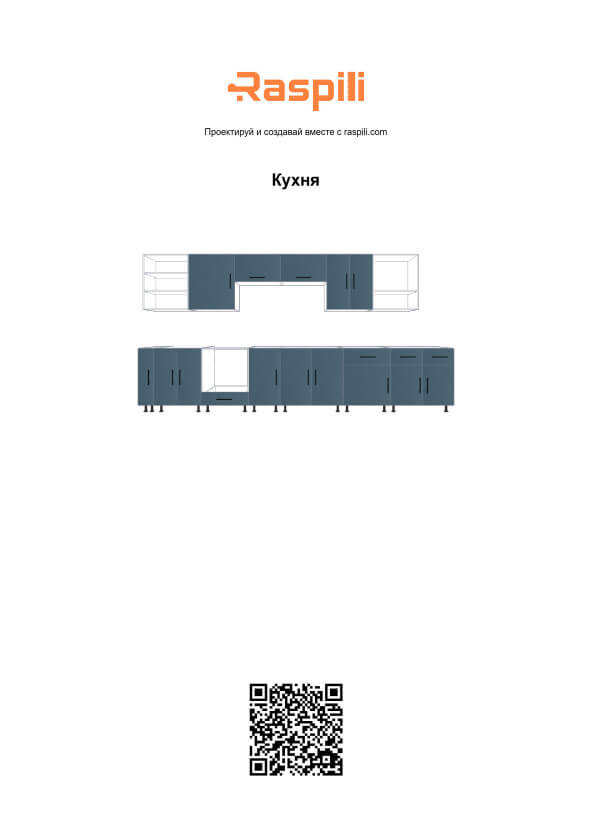
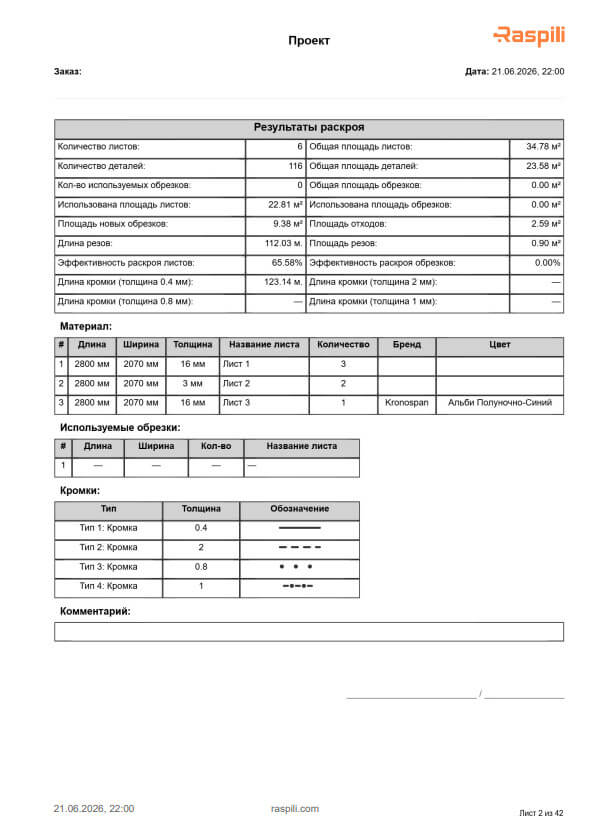
Import parts from Excel and export projects, specifications and cutting maps to PDF, Excel and DXF. Share projects by link with clients, colleagues and production.
- PDF — cutting maps and parts list
- Excel — material specification
- DXF — files for workshop equipment
- Project link for the client and the workshop
Library of ready-made projects
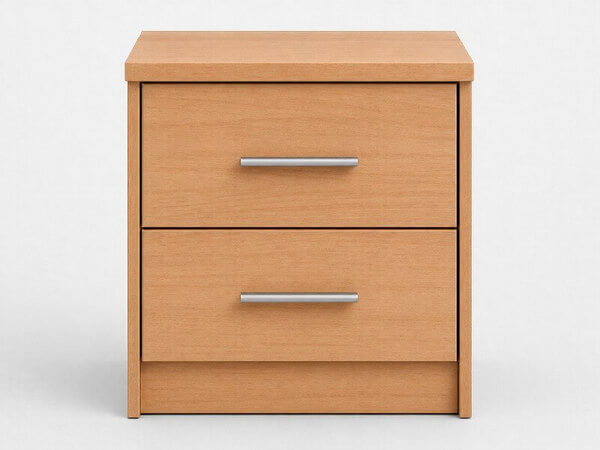
Start from proven solutions. Pick a suitable project, change the sizes and materials, and get a finished result in minutes. Assembly instructions included.
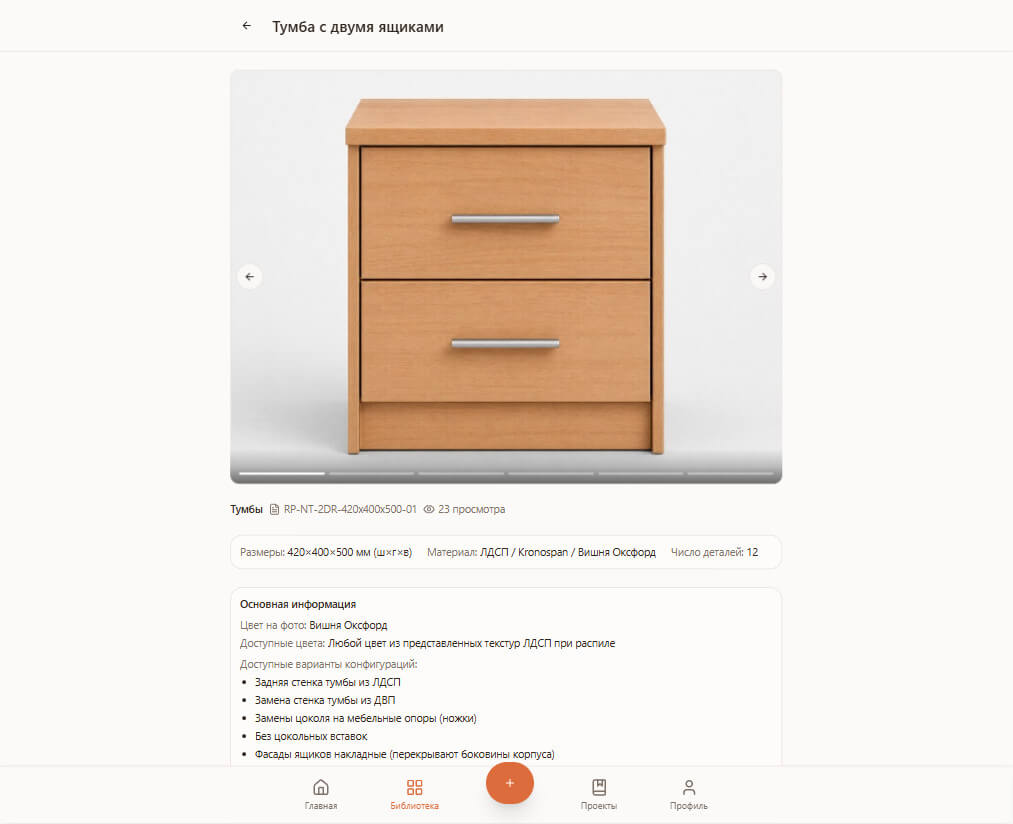
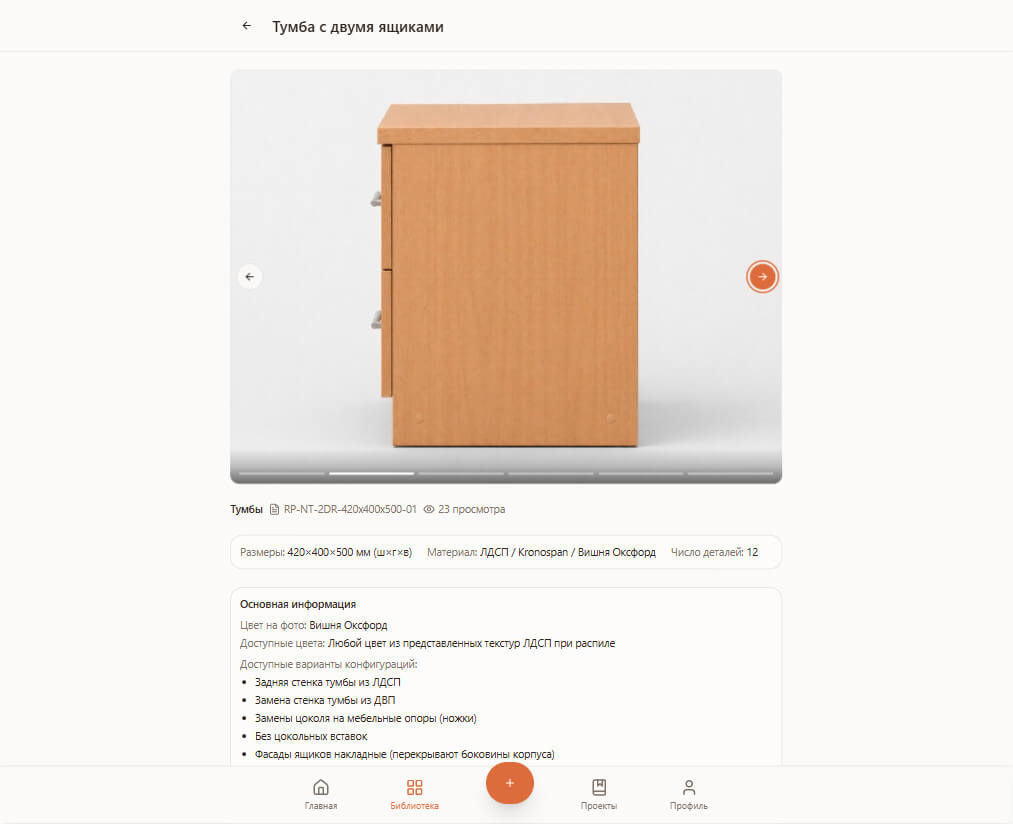
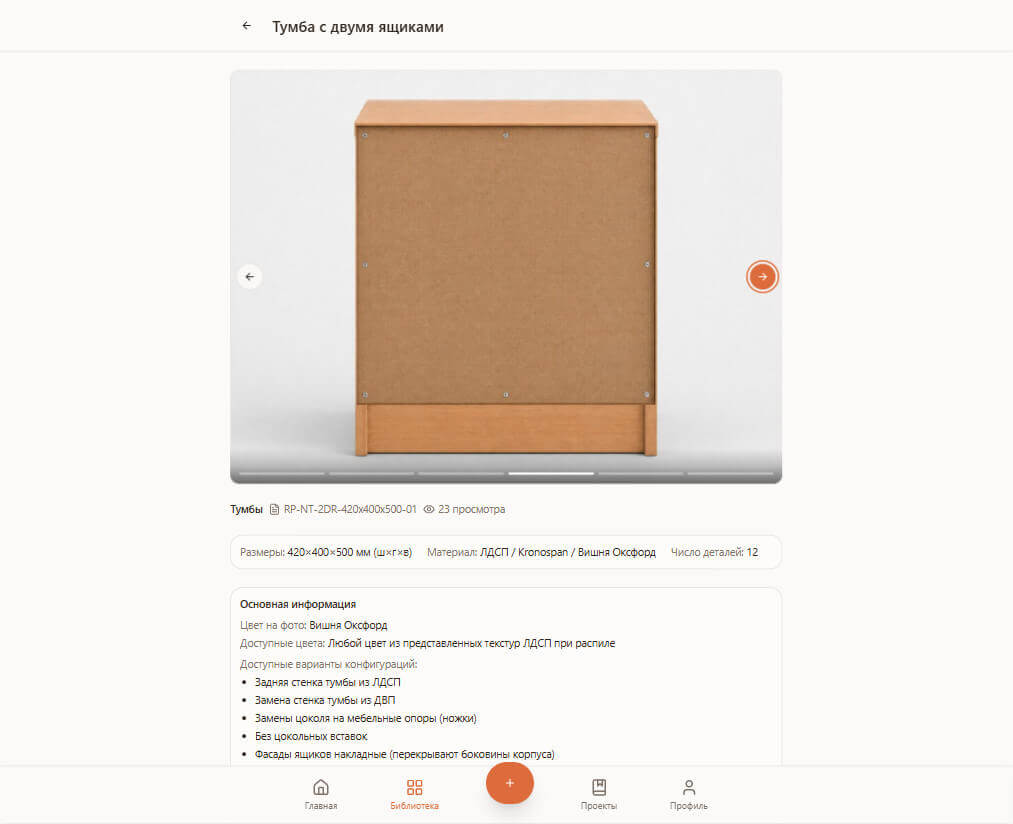
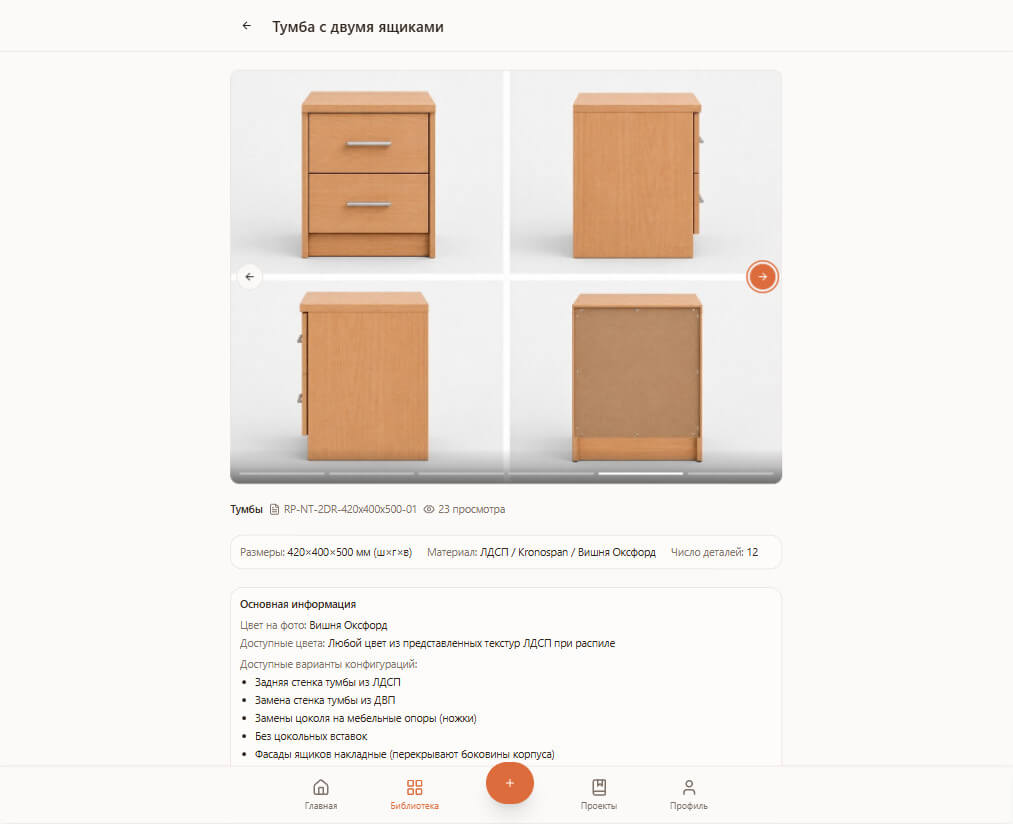
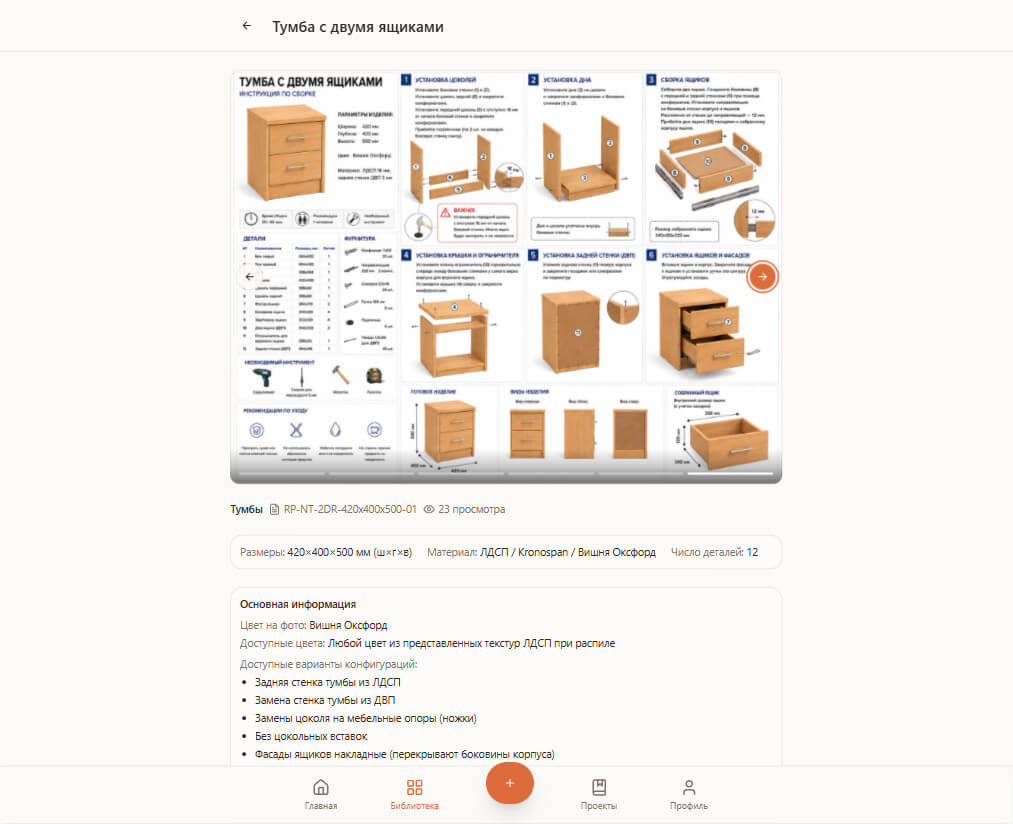
Three steps from idea to finished furniture
Design furniture online
Design furniture in your browser: wardrobes, kitchens, cabinets and other furniture pieces, using the sketch tool, ready-made sections, projects, or projects from the community.
Cutting particleboard and sheet materials
Set the cutting parameters for your furniture sheets, add edge banding and drillings. Get a cutting map. No need to buy separate particleboard cutting software.
Assemble furniture from the parts list
Once cutting is done, all that's left is assembly. Use the prepared diagrams, parts list and assembly instructions to put your furniture together quickly.
Get inspired by the best projects from the community
Publish your own work, browse everyone else's, and like the projects you find the best and most interesting.
What our users say
"A really convenient service, everything is clear and easy to use. The project and the cutting map were done in one evening."
"A wonderful tool for building kitchens. It's easy to sketch on-site during a measurement, and every detail is captured in one project."
"A great online service for the workshop. It replaced SketchUp and separate cutting-layout software. Very convenient to work with."
Frequently asked questions
What is Raspili?
Raspili is an online service for designing furniture and cutting particleboard. With it you can design a wardrobe, kitchen or cabinet in your browser, and get a cutting map, edge-band and drilling accounting, a specification and files for the workshop.
Is furniture design software hard to use?
No, Raspili is designed to be simple to use. You can design furniture right in your browser with no need to install any extra software.
Can I design made-to-order kitchens with Raspili?
Yes, Raspili works for kitchens of any complexity, including straight, corner, and island layouts.
Do I need any special software to use Raspili?
No, Raspili runs in the browser and doesn't require installing any extra software. A PWA app is available for working on your phone.
Can I design wardrobes, walk-in closets and cabinets?
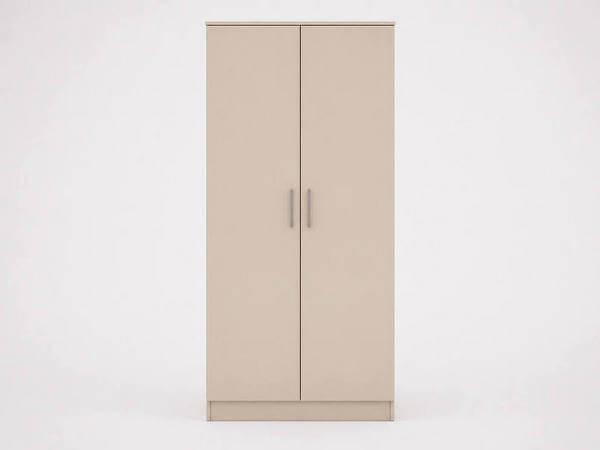
Yes — sliding-door wardrobes, hinged wardrobes, walk-in closets, cabinets, shelving units. Pick a ready-made project from the catalog or build one from scratch in the designer or the sketch tool.
Can I share a project with a client or a workshop?
Yes. Send a link — the client or colleague opens the project or 3D design and copies it to their own account. Convenient for approving a kitchen design or handing off parts to production without sending files back and forth.
Does Raspili generate the parts list and specification automatically?
Yes: the parts list, edge-band footage and cutting map are all generated automatically. PDF for the client, Excel for production, DXF for CNC machines.
Is there a free version? How is Pro different?
Yes, free to start with no card required — designer, cutting, sketch, sharing. Pro raises the limits: 4 edge-band types, the optimal ILP cutting mode, order numbers, free sheet margins, and storage for 50+ projects.
Is DXF export for CNC machines supported?
Yes. Raspili exports the cutting map to PDF (for the workshop), Excel (material and edge-band specification), and DXF (for CNC machines and CAD systems). Drillings and grooves are included in the DXF too.
Design your furniture right now
Free to start, right in the browser, on your phone and computer. No software to install.