
Raspili Designer
3D furniture designer online, free — from carcass to parts list
Online 3D furniture modeling: assemble furniture from modules, set materials from the catalog, get automatic edge banding, drillings and hardware. Free, in your browser.
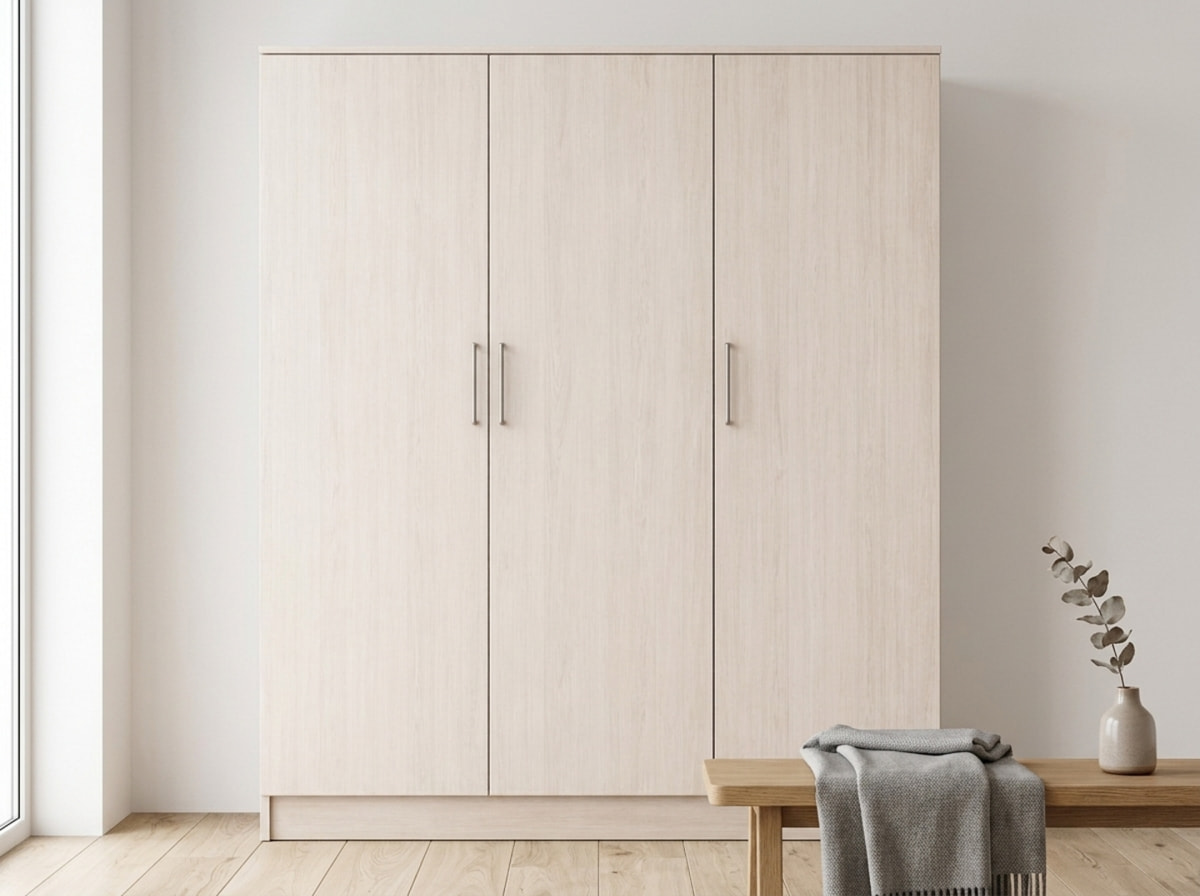
Fast assembly
Ready-made modules for wardrobes, kitchens and cabinet furniture
Assemble furniture from ready-made carcasses and sections — with one click.
Carcass in one click
- Sides, bottom, top, back panel — automatic
- Material selection from the catalog
- Instant parts calculation
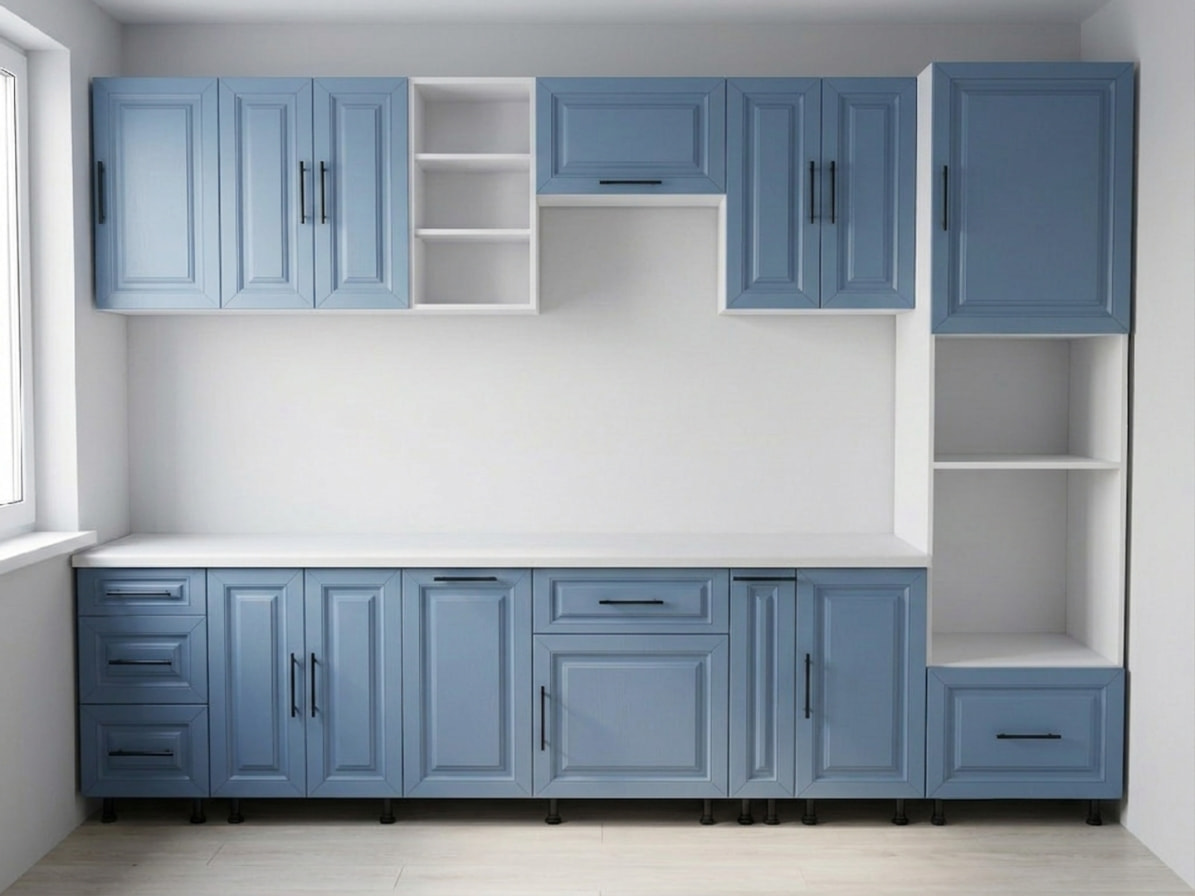
Kitchen sections
- Floor and wall-mounted modules
- Tall units and pantry columns
- Sized for standard appliances
Element library
- Drawers, shelves, fronts
- Plinths, cornices, trims
- Standard solutions for any project
Visualization
Precise drawings
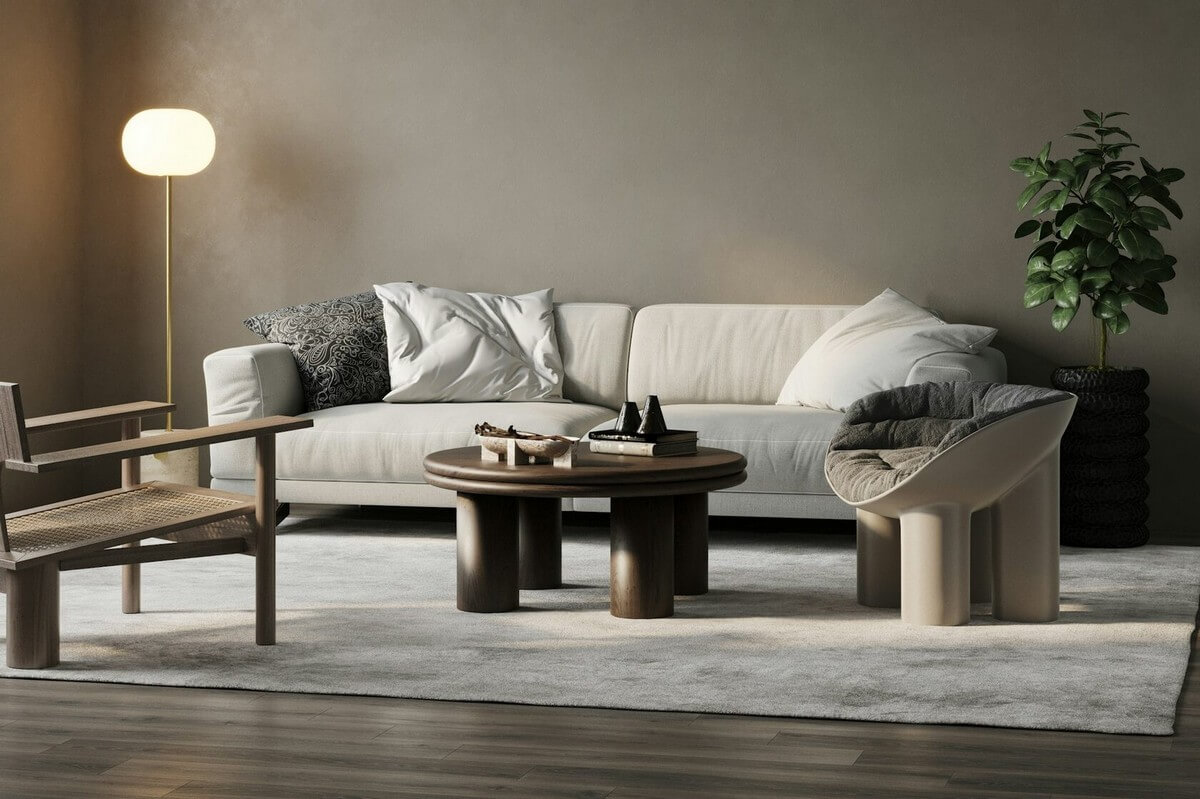
Room in 3D
2D mode for design
Place furniture in the interior — walls, floor, the room's real dimensions. Judge proportions and color combinations before production.
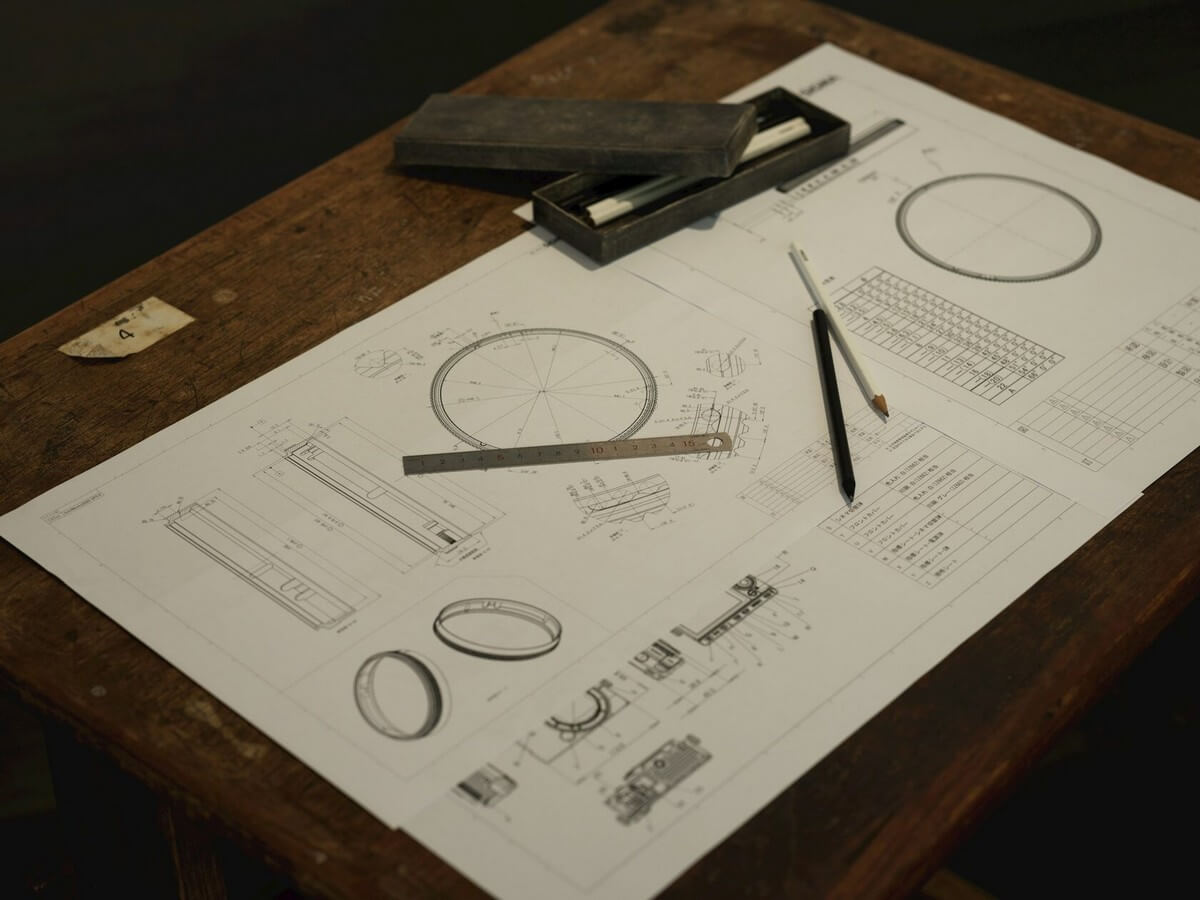
Top-down plan, cross-sections, precise dimensions. Draw and edit in 2D — synced with 3D in real time.
Smart automation
Edge banding, hardware and gaps — no manual calculating
The system suggests the right edge band for each part type, calculates drillings, picks the hardware, and sets gaps according to furniture-making rules.

Automatic edge banding and drillings
- Rules by part type
- Automatic edge-band selection
- Holes for confirmat screws and shelf supports
Hardware calculation
- Hinges, shelf supports, confirmat screws
- Assembly specification
- Quantities and positions, automatically

Gaps and margins
- Overlay and inset fronts
- Standard drawer gaps
- Plinth sized to furniture-making rules
Full cycle
From template to cutting map and client approval
Start from a ready-made project in the catalog, edit it in 3D, send it to cutting, and share a link with the client.

Ready-made projects in the designer
- Open a template from the catalog
- Edit it in 3D
- Adapt it to your own project
→ Cutting
- The "Cut it" button — all panels with edge banding
- Automatic handoff to the cutting module
- Optimized cutting maps

Sharing your 3D design
- A link to the scene — the client views the model
- You keep editing on your end
- No exports needed — just a link
Modeling
Free online furniture modeling
Online 3D furniture modeling for free: create a 3D model of your furniture right in the browser — no software to install and nothing to pay to start.
3D model of a wardrobe and a kitchen
- 3D model of a wardrobe with sections, shelves and rails
- 3D model of a kitchen with appliances in their places
- Rotate the scene and check proportions before cutting
3D project for a kitchen and a wardrobe
- 3D kitchen project to your own dimensions
- 3D wardrobe project: sliding, hinged, walk-in
- Ready-made sections for standard appliances
Online 3D furniture design
- Design furniture in 3D right in the browser
- No separate 3D furniture design software needed
- The 3D furniture designer runs on any laptop
Try it for free
Start building furniture
in the free 3D designer online
Carcasses, fronts, edge banding, hardware, cutting — all in one tool. Nothing to install, right in the browser.
Frequently asked questions
What is the Raspili 3D furniture designer?
Raspili is a free online designer for cabinet furniture: wardrobes, kitchens, cabinets, shelving units. Build a carcass from ready-made modules, set the particleboard materials, get automatic edge banding and hardware, and send it to cutting — all in the browser, with no software to install.
Can I design kitchens in the 3D designer?
Yes. The designer has ready-made kitchen sections: floor units, wall units, tall units and pantry columns sized for standard appliances. Customize fronts, drawers and shelves, and send everything to cutting with one click.
How do automatic edge banding and hardware calculation work?
The system automatically assigns edge banding by part type (front, shelf, side panel), calculates drillings, and picks the hardware — hinges, confirmat screws, shelf supports — with quantities and positions. You get a ready-made assembly specification.
Is there a 2D design mode?
Yes. Switch to 2D: top-down plan, cross-sections, precise sizes in millimeters. Draw and edit in 2D — changes sync with the 3D scene in real time.
How do I send a project from the designer to cutting?
Click the "Cut it" button — all panels with their edge banding and materials automatically move to the particleboard cutting module. The result: a cutting map, PDF for the workshop, Excel with the specification, and DXF for CNC machines.
Do I need to download or install any software?
No. Raspili runs in the browser on computer and phone — no need for SketchUp, AutoCAD or other desktop software. On your phone you can install it as a PWA right from the browser.
Is it suitable for professional furniture making?
Yes. The designer is used by independent craftsmen, kitchen studios and small furniture workshops. You can share a project with a client by link for approval and hand it off to the workshop right away with a cutting map and DXF files.
How much does online 3D furniture modeling cost?
You can start for free, with no software to install. What the free plan covers and what Pro adds is on the pricing page.
Can I create a 3D model of a wardrobe or a kitchen?
Yes. Assemble the carcass from modules, set dimensions and materials — and you get a 3D model of a wardrobe or a kitchen that you can rotate, check for proportions and send straight to cutting.